No signup required

Generate QR Codes Instantly.

Create beautiful, customizable QR codes for URLs, text, contacts, and more. Download in high resolution — free, forever.

#ffffff
#111118

Your QR appears here

Everything you need is here.

Instant Generation

QR codes generated client-side in milliseconds. No servers, no waiting, no limits on how many you can create.

🎨
Full Customization

Choose any color combination, error correction level, and size. Make QR codes that match your brand.

📥
High-Res Downloads

Download your QR codes in PNG format at any size — perfect for print, digital, or anything in between.

🔗 URL 📄 PDF 🖼️ Image 🎥 Video 📝 Text ✂️ Short URL

Generate different types of QR Codes

Website

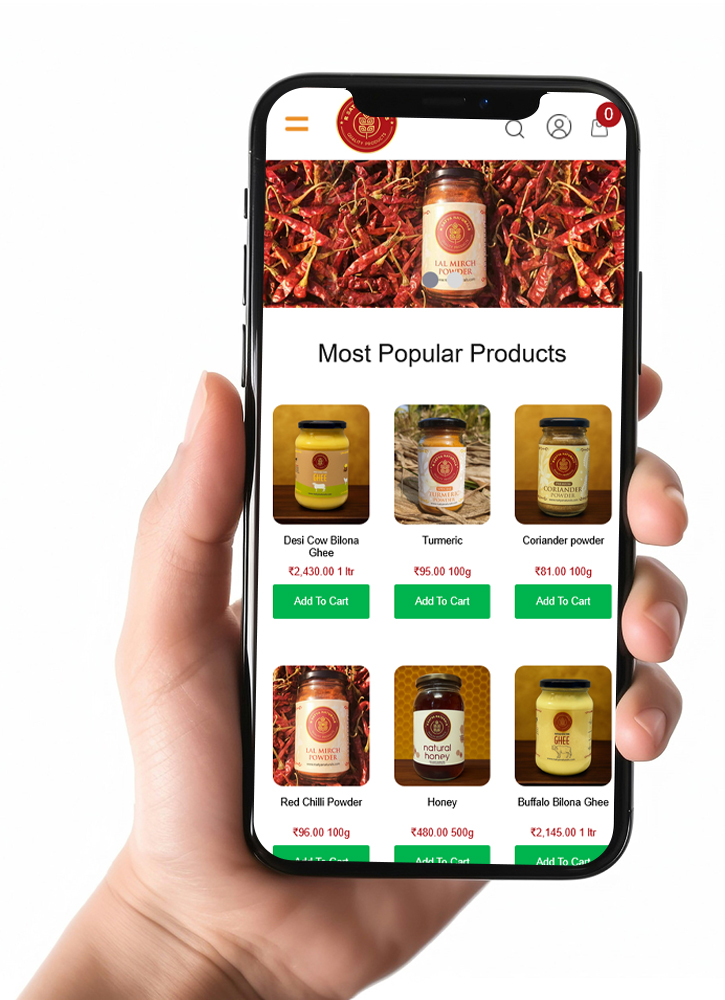
Connect your URL to a QR code so everyone can access your website quickly and easily. Turn every visit into an opportunity for growth!

Provides quick access to your website or online store with a simple scan, and optimizes the experience of users and potential customers

Website

Connect your URL to a QR code so everyone can access your website quickly and easily. Turn every visit into an opportunity for growth!

Provides quick access to your website or online store with a simple scan, and optimizes the experience of users and potential customers

Website

Connect your URL to a QR code so everyone can access your website quickly and easily. Turn every visit into an opportunity for growth!

Provides quick access to your website or online store with a simple scan, and optimizes the experience of users and potential customers

Website

Connect your URL to a QR code so everyone can access your website quickly and easily. Turn every visit into an opportunity for growth!

Provides quick access to your website or online store with a simple scan, and optimizes the experience of users and potential customers

Your all-in-one marketing platform

Instant Generation

QR codes generated client-side in milliseconds. No servers, no waiting, no limits on how many you can create.

🎨
Full Customization

Choose any color combination, error correction level, and size. Make QR codes that match your brand.

📥
High-Res Downloads

Download your QR codes in PNG format at any size — perfect for print, digital, or anything in between.

Instant Generation

QR codes generated client-side in milliseconds. No servers, no waiting, no limits on how many you can create.

🎨
Full Customization

Choose any color combination, error correction level, and size. Make QR codes that match your brand.

📥
High-Res Downloads

Download your QR codes in PNG format at any size — perfect for print, digital, or anything in between.
Instant Generation

QR codes generated client-side in milliseconds. No servers, no waiting, no limits on how many you can create.

🎨
Full Customization

Choose any color combination, error correction level, and size. Make QR codes that match your brand.

📥
High-Res Downloads

Download your QR codes in PNG format at any size — perfect for print, digital, or anything in between.

Discover how to use QR codes to boost your marketing strategy.

Instant Generation

QR codes generated client-side in milliseconds. No servers, no waiting, no limits on how many you can create.

Full Customization

Choose any color combination, error correction level, and size. Make QR codes that match your brand.

High-Res Downloads

Download your QR codes in PNG format at any size — perfect for print, digital, or anything in between.

QR Codes for

Explore our extensive collection of QR codes

Create a unique invitation for an unforgettable event.

Everything you need to know to get started

In this section you will find the basic concepts and the necessary steps to start enjoying the benefits of using QR.

The term “QR” stands for “quick response” and refers to instant access to the information contained in the Code. It is, in short, the evolution of the barcode, made up of patterns of black and white pixels. Denso Wave, a Japanese subsidiary of Toyota Denso, developed them in order to mark the components of their cars and thus speed up logistics in their production. Currently, it has gained great popularity, due to its versatility and accessibility, thanks to the functions of smart phones.Learn more

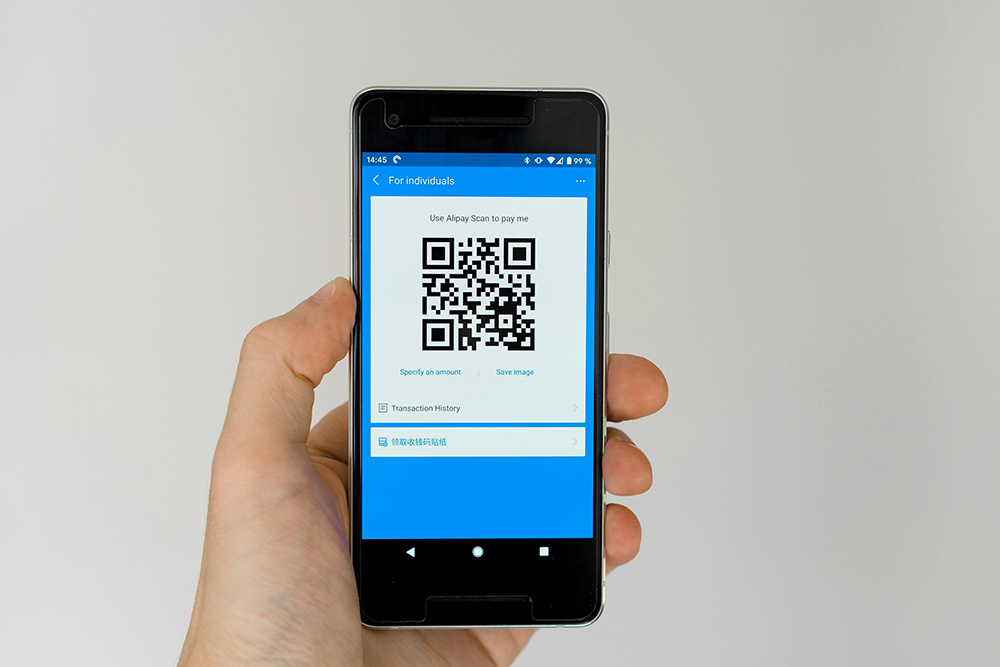
You will have noticed that more and more companies choose to include QR, as a fundamental resource for the marketing and commercialization of their products and services. Its growing popularity is due to the multiplicity of uses that you can give it: to receive payments from your clients, share links to web pages, catalogs and price lists, receive comments on your products or services, invite the client to share images or videos , promote your business events and much more, with just a scan!

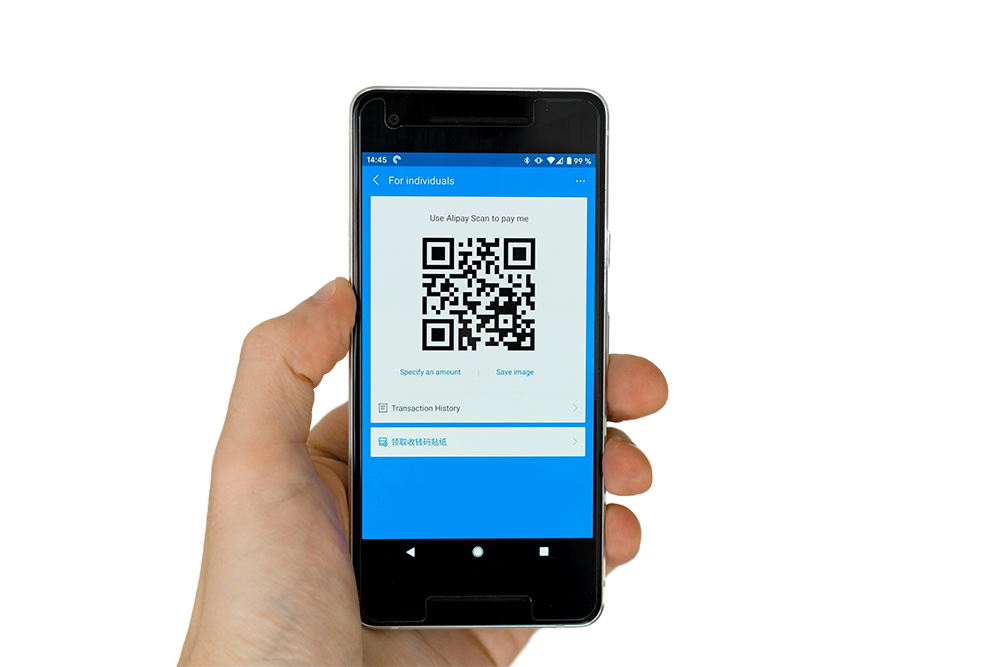
Many devices already have a built-in QR code reader. In this case, all you have to do is open the camera on your mobile phone and hold it over a code for a few seconds, until a notification appears on the screen. In case this does not happen, go to settings to check that QR scanning is enabled. If you don't have the feature, just download and install a QR code reader from your app store.

QR Codes for

Do not leave with doubt

This is the first item’s accordion body. It is shown by default, until the collapse plugin adds the appropriate classes that we use to style each element. These classes control the overall appearance, as well as the showing and hiding via CSS transitions. You can modify any of this with custom CSS or overriding our default variables. It’s also worth noting that just about any HTML can go within the .accordion-body, though the transition does limit overflow.

This is the second item’s accordion body. It is hidden by default, until the collapse plugin adds the appropriate classes that we use to style each element. These classes control the overall appearance, as well as the showing and hiding via CSS transitions. You can modify any of this with custom CSS or overriding our default variables. It’s also worth noting that just about any HTML can go within the .accordion-body, though the transition does limit overflow.

This is the third item’s accordion body. It is hidden by default, until the collapse plugin adds the appropriate classes that we use to style each element. These classes control the overall appearance, as well as the showing and hiding via CSS transitions. You can modify any of this with custom CSS or overriding our default variables. It’s also worth noting that just about any HTML can go within the .accordion-body, though the transition does limit overflow.

This is the first item’s accordion body. It is shown by default, until the collapse plugin adds the appropriate classes that we use to style each element. These classes control the overall appearance, as well as the showing and hiding via CSS transitions. You can modify any of this with custom CSS or overriding our default variables. It’s also worth noting that just about any HTML can go within the .accordion-body, though the transition does limit overflow.

This is the second item’s accordion body. It is hidden by default, until the collapse plugin adds the appropriate classes that we use to style each element. These classes control the overall appearance, as well as the showing and hiding via CSS transitions. You can modify any of this with custom CSS or overriding our default variables. It’s also worth noting that just about any HTML can go within the .accordion-body, though the transition does limit overflow.

This is the third item’s accordion body. It is hidden by default, until the collapse plugin adds the appropriate classes that we use to style each element. These classes control the overall appearance, as well as the showing and hiding via CSS transitions. You can modify any of this with custom CSS or overriding our default variables. It’s also worth noting that just about any HTML can go within the .accordion-body, though the transition does limit overflow.

This is the first item’s accordion body. It is shown by default, until the collapse plugin adds the appropriate classes that we use to style each element. These classes control the overall appearance, as well as the showing and hiding via CSS transitions. You can modify any of this with custom CSS or overriding our default variables. It’s also worth noting that just about any HTML can go within the .accordion-body, though the transition does limit overflow.

This is the second item’s accordion body. It is hidden by default, until the collapse plugin adds the appropriate classes that we use to style each element. These classes control the overall appearance, as well as the showing and hiding via CSS transitions. You can modify any of this with custom CSS or overriding our default variables. It’s also worth noting that just about any HTML can go within the .accordion-body, though the transition does limit overflow.

This is the third item’s accordion body. It is hidden by default, until the collapse plugin adds the appropriate classes that we use to style each element. These classes control the overall appearance, as well as the showing and hiding via CSS transitions. You can modify any of this with custom CSS or overriding our default variables. It’s also worth noting that just about any HTML can go within the .accordion-body, though the transition does limit overflow.